Google Review Automation for Local Businesses
Google review automation means you never manually check for new reviews again. Typani monitors your Google Business profile, alerts you the moment a review comes in, drafts a personalized response, and tracks your reply history — all without you logging into Google every day.
How Google Review Automation Works with Typani
Here's what happens once you connect Typani to your Google Business profile:
- ✓A customer posts a review — Typani catches it immediately, any time of day
- ✓You get an instant email alert with the full review text, star rating, and a link to respond
- ✓Typani drafts a personalized response based on what the customer actually wrote — not a template
- ✓You review the draft, edit if needed, and post — one click to copy, paste to Google
- ✓Everything is tracked: responded reviews, pending replies, response times, and rating trends
- ✓Multi-location businesses get one dashboard for all their profiles
Real Examples — See What Typani Generates
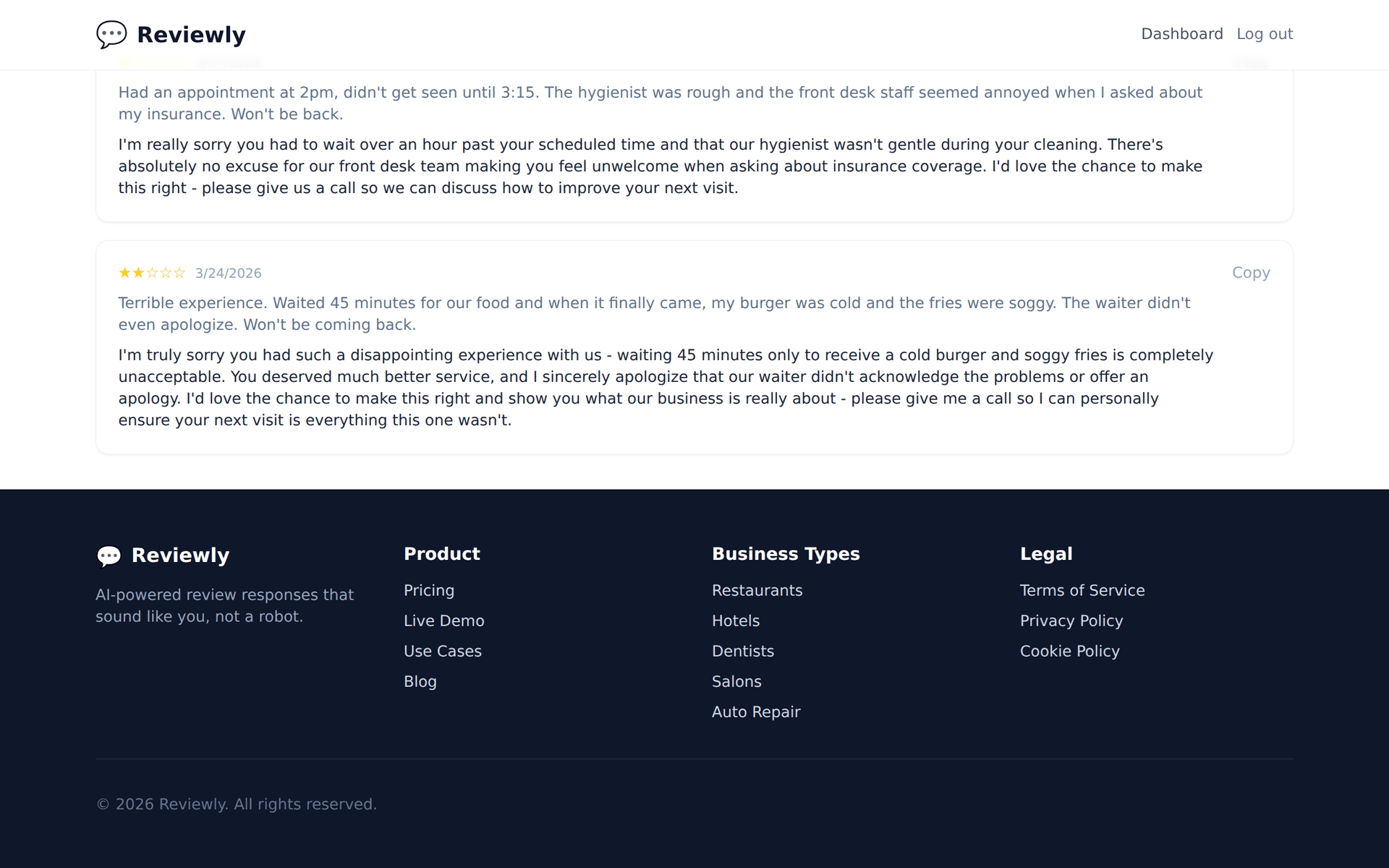
Paste any review, get a reply that sounds like a real business owner — not a corporate template.
“Good food but every time I order delivery through Google, the order is always missing something. It's happened three times now. The in-person experience is great but delivery needs serious work.”
“Three times is absolutely too many — we're sorry about the repeated delivery issues. This is something we need to fix at the process level, not just case by case. Please reach out to us at delivery@restaurant.com with your recent order details and we'll make it right. Thank you for sticking with us and giving us the feedback.”
“I like that this business actually responds to reviews — you can tell they're using some kind of tool because responses come fast, but they're personalized enough that it doesn't feel automated.”
“That's the exact balance we aim for — responsive and genuinely human. We do use tools to help us stay on top of reviews, but every response is reviewed and tailored before it goes out. Thank you for noticing, and for taking the time to leave such a thoughtful review!”
Why Businesses Pick Typani for Review Automation
Manual Google review management doesn't scale. When you're busy, reviews pile up unanswered. When you finally check, you're responding to week-old complaints in a way that looks neglectful. Automation ensures you're always on top of your reputation — regardless of how busy your business gets.
Most review automation tools are built for agencies managing 50+ locations. They're expensive, complicated, and require a setup call with a sales rep. Typani is built for the business owner who just needs it to work: free to start, connects in minutes, and produces responses that sound like a real owner wrote them — not a dropdown menu.
Start Responding Free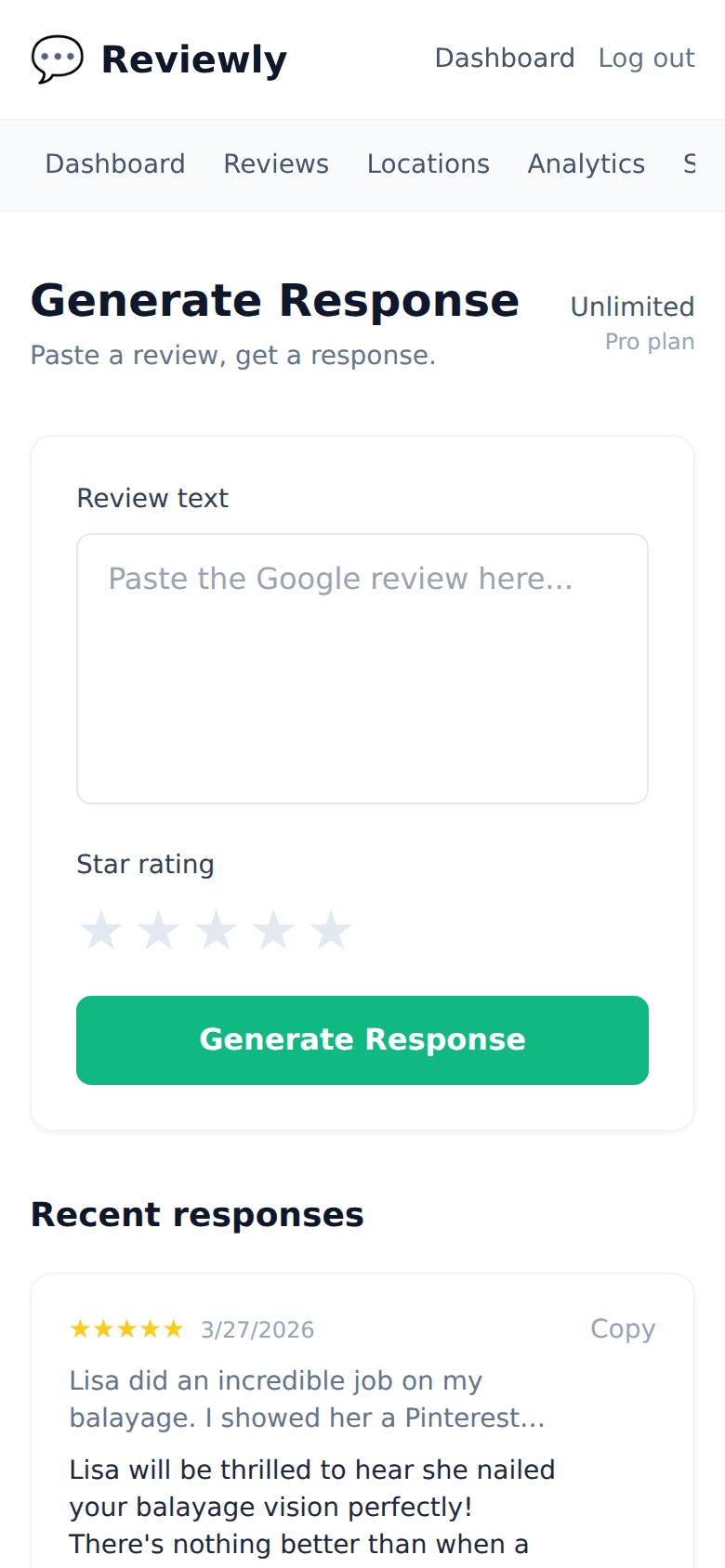
Frequently Asked Questions
Everything owners ask before they start using Typani.
Will Google penalize me for using automated review responses?
+
No. Google cares that you respond — not how you wrote the response. And since Typani generates unique, specific replies (not duplicate templates), there's nothing for Google to flag.
Can I automate responses for multiple locations?
+
Yes. Typani handles multi-location businesses in one dashboard. Each location gets its own monitoring, alerts, and drafted responses.
Does automation mean I lose control of what gets posted?
+
No — Typani drafts responses, it doesn't auto-post them by default. On the Starter plan you review and approve every response before it goes live. The Pro plan supports auto-posting directly to Google Business Profile for those who want it. Think of the default as a really fast assistant, not a robot.
How is this different from the auto-reply options built into Google Business Profile?
+
Google's built-in auto-replies are generic ('Thanks for your review!') and don't address what the customer actually said. Typani reads the full review and writes a specific, personalized response each time.
What happens with really bad reviews — does automation handle those too?
+
Yes, Typani drafts responses for any star rating. For particularly sensitive reviews (threats, legal issues, serious accusations), you may want to edit the draft more heavily before posting — but you'll always have a professional starting point to work from.
Built for busy local business owners
Typani writes on-brand replies to every Google review in seconds, so you can answer them all without giving up your evening.
Generate your first response in seconds
Free to start. No credit card. Works on any Google review.
Try Typani FreeRelated
Explore Typani