Google Review Dashboard
Google review dashboard for businesses that are tired of logging into Google Business Profile, scrolling through reviews one by one, and losing track of which ones still need a response. A proper dashboard puts everything in one view — new reviews, pending responses, response history, and trends across all your locations.
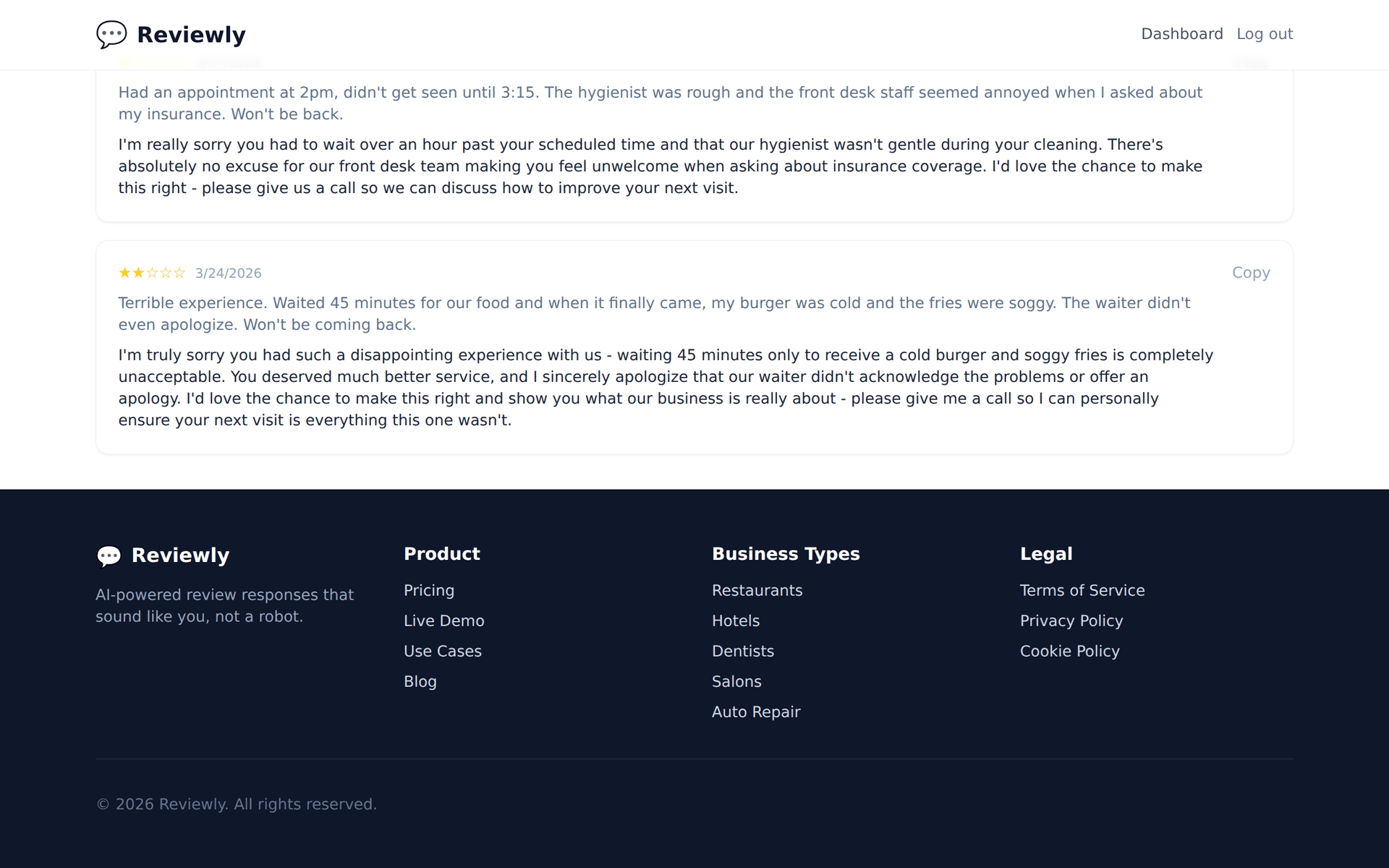
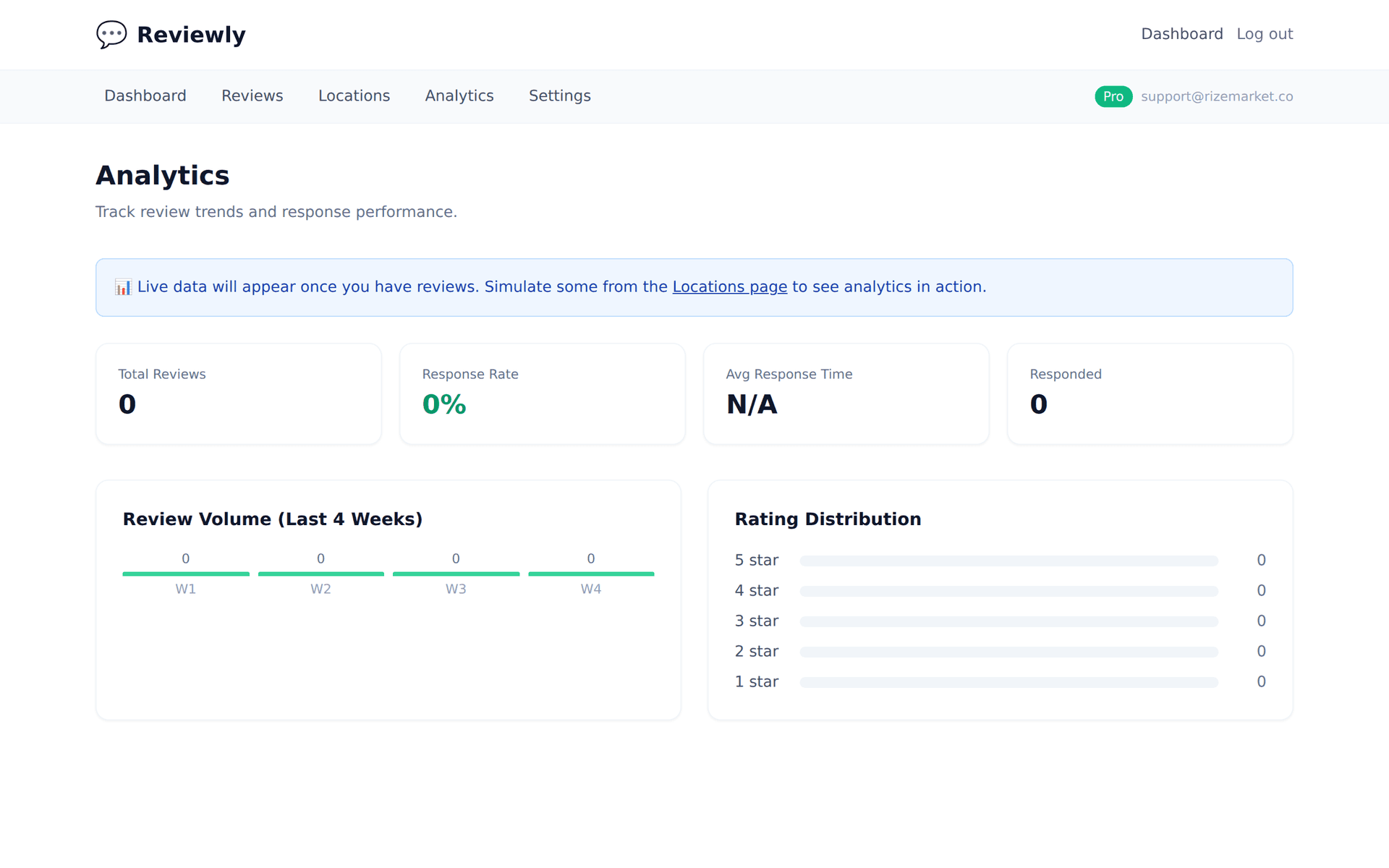
What a Google Review Dashboard Should Show You
Most businesses "manage" their reviews by opening Google Maps, scrolling, and hoping they haven't missed anything. Here's what a real dashboard gives you instead:
- ✓All reviews in one feed — newest first, across every location, with star rating and response status visible at a glance
- ✓Response status tracking — instantly see which reviews have been answered and which are still waiting
- ✓AI-generated response drafts — a suggested reply sitting next to every review, ready to edit and post
- ✓Review trends over time — are your ratings improving? Getting more reviews this month than last? The dashboard shows it without digging through spreadsheets
- ✓Multi-location support — one screen for all your Google Business Profiles, not a separate login for each
How Typani's Dashboard Works
Typani connects to your Google Business Profile and pulls every review into a clean, manageable interface. Here's the workflow:
- 1.Connect your Google Business Profile — one-time setup, takes about a minute
- 2.All existing reviews sync automatically — your full history appears in the dashboard
- 3.New reviews show up in real time — with an AI-drafted response ready to go
- 4.Click to review, edit, and respond — no switching tabs, no copy-pasting between apps
- 5.Track what's been answered — nothing falls through the cracks
Manual Review Management vs. a Dashboard
- ✓Manual: Log into Google Business Profile for each location. Dashboard: One screen, all locations.
- ✓Manual: Scroll through reviews to find unanswered ones. Dashboard: Unanswered reviews filtered and flagged.
- ✓Manual: Write every response from scratch. Dashboard: AI draft ready for each review.
- ✓Manual: No way to track which reviews got responses. Dashboard: Clear response status for every review.
- ✓Manual: No trend visibility — just individual reviews. Dashboard: Rating trends and review volume over time.
- ✓Manual: Easy to miss reviews, especially with multiple locations. Dashboard: Nothing missed — real-time sync.
Why Typani Over Enterprise Review Platforms
Enterprise review management tools like Birdeye, Podium, and ReviewTrackers solve this problem — but they charge $200-$500+/month and require onboarding calls, annual contracts, and training sessions.
Typani gives you a clean Google review dashboard with AI-powered response drafts at a fraction of the cost. No sales calls. No annual commitment. Built for small and mid-size businesses that need to manage their reputation without enterprise budgets.
Start Responding Free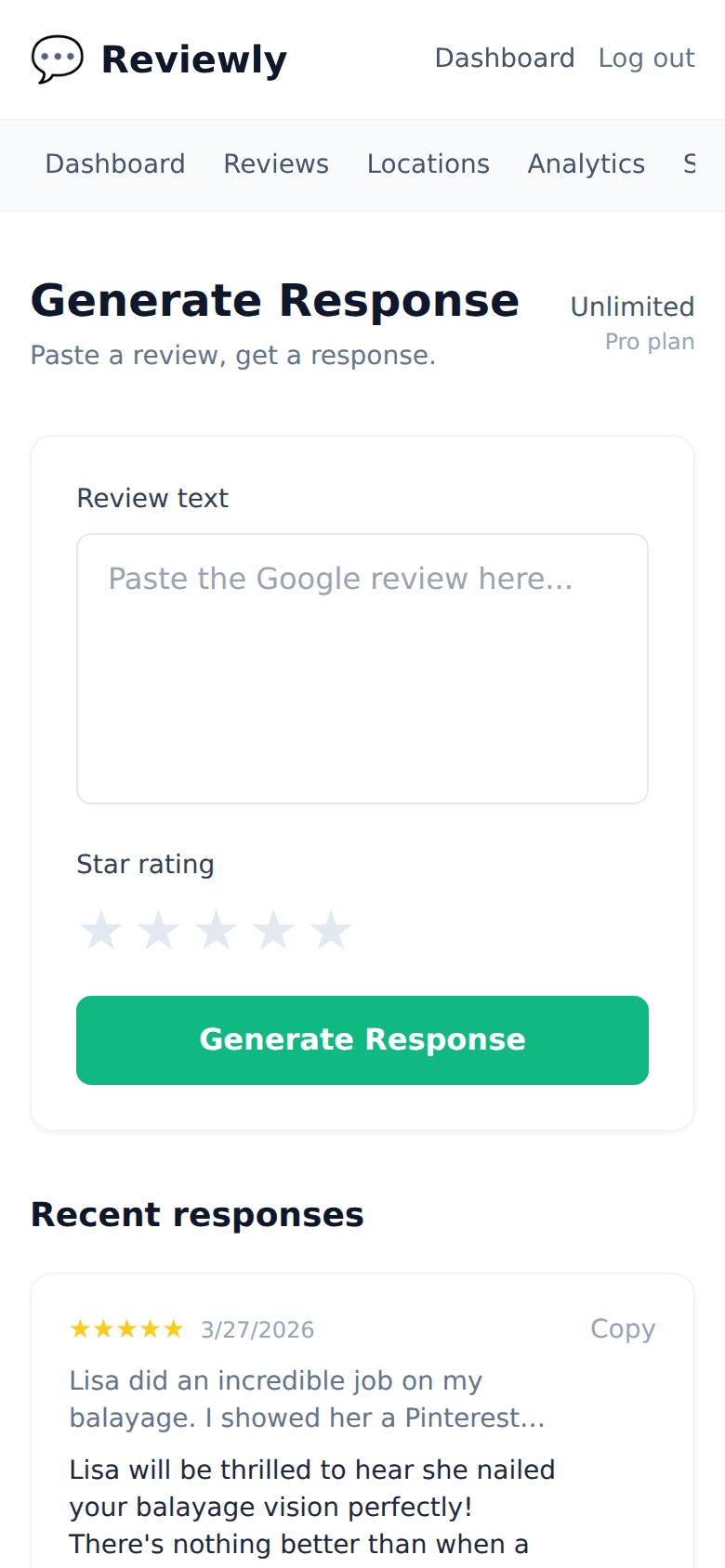
Frequently Asked Questions
Everything owners ask before they start using Typani.
Can I manage reviews for multiple locations in one dashboard?
+
Yes. Connect all your Google Business Profiles and see every location's reviews in a single view.
Does the dashboard show my old reviews or just new ones?
+
All of them. Your full review history syncs when you connect your profile.
Can I respond to reviews directly from the dashboard?
+
Yes. Review the AI-generated draft, edit it if you want, and post — all without leaving Typani.
Will I get notified about new reviews?
+
Yes. The dashboard updates in real time and you'll get alerts when new reviews come in.
Is there reporting or analytics built in?
+
Yes. You can see trends in your star ratings, review volume, and response rate over time.
Built for busy local business owners
Typani writes on-brand replies to every Google review in seconds, so you can answer them all without giving up your evening.
Generate your first response in seconds
Free to start. No credit card. Works on any Google review.
Try Typani FreeRelated
Explore Typani