Review Reporting & Analytics
A Google rating tells you where you stand today — review reporting and analytics tells you whether you're improving, stagnating, or sliding, and which specific issues are driving each direction. Typani gives you the trend data, response rate metrics, and sentiment breakdowns that turn a single number into something you can actually act on.
What Review Analytics Tells You That the Rating Doesn't
A 4.3 rating is a snapshot. Analytics is the full picture. Here's what the data reveals:
- ✓Rating trend over time — is your average going up or down over 30, 60, 90 days?
- ✓Response rate — what percentage of reviews are you actually responding to?
- ✓Average response time — how fast are you getting to new reviews?
- ✓Sentiment breakdown — what topics are driving negative vs positive feedback?
- ✓Review volume by period — are you generating more reviews than last quarter?
- ✓Location comparison — which of your locations is outperforming or underperforming?
Real Examples — See What Typani Generates
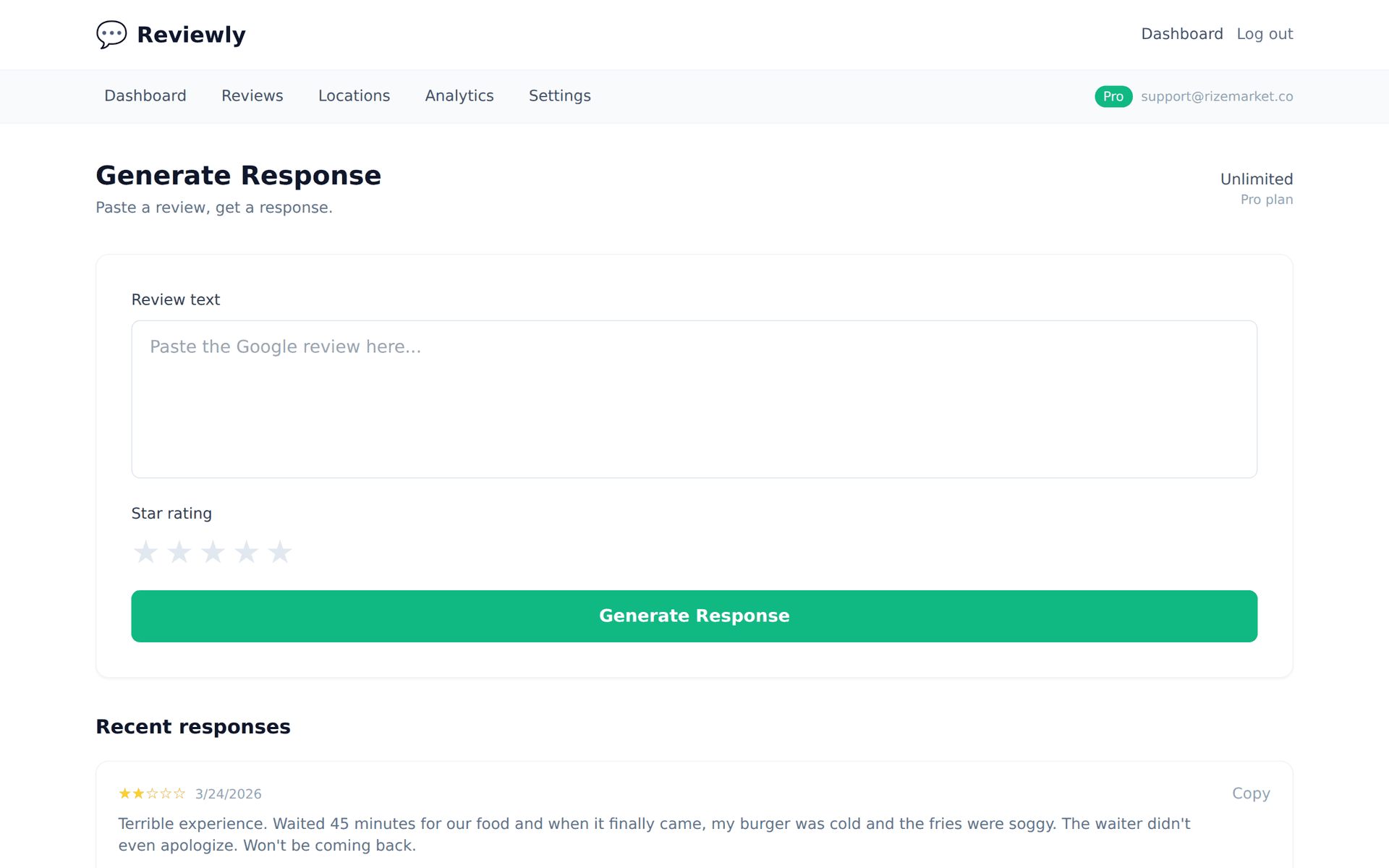
Paste any review, get a reply that sounds like a real business owner — not a corporate template.
“Always a bit of a wait here but the quality is consistently good. If they could fix the wait time issue it'd be a five-star spot.”
“Consistently good on quality but losing you on wait time — that's useful and honest feedback. We're actively working on the throughput issue and appreciate you flagging it again. Come back and let us try for that fifth star.”
“Whatever they changed in the last couple months, keep doing it. Way faster, friendlier staff, and the quality is still great.”
“The last couple months represent real operational work from the team — thank you for noticing. It means a lot to hear the changes are landing. We'll keep going.”
Why Analytics Turns Review Management into a Growth Tool
Without analytics, review management is reactive — you respond to reviews as they come in with no visibility into trends or patterns. With analytics, it becomes proactive: you see the wait time complaint trend before it damages your rating, you know your Monday response rate is lower than other days, and you can show stakeholders that the rating improvement maps to a specific operational change.
Typani's reporting dashboard is built for the business owner who doesn't have time to build pivot tables, and the ops manager who needs data they can act on. Automated weekly reports, exportable CSVs, and shareable performance snapshots make it practical to actually use the data, not just have access to it.
Start Responding Free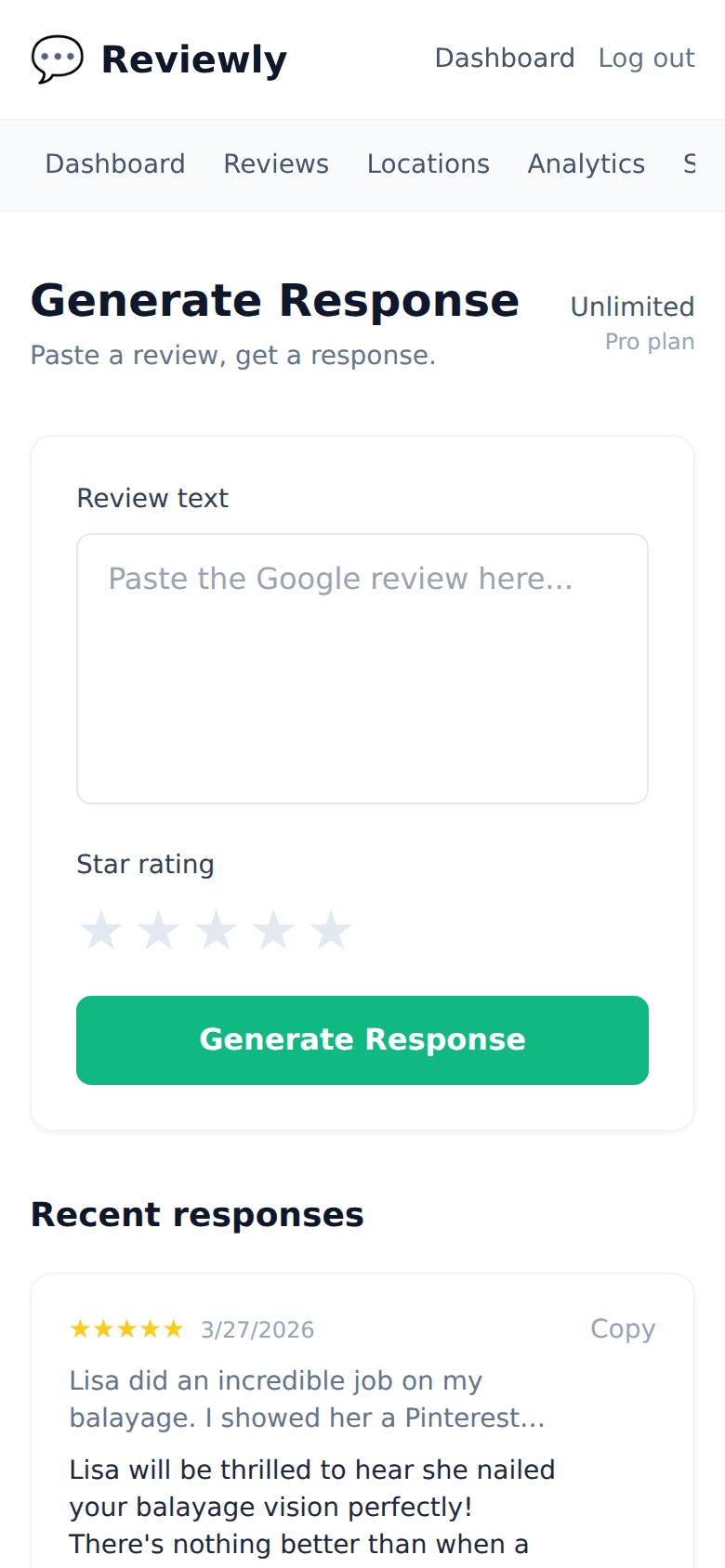
Frequently Asked Questions
Everything owners ask before they start using Typani.
What time periods can I view in the reporting dashboard?
+
Typani's reporting covers 7-day, 30-day, 90-day, and custom date ranges. You can compare any two periods side by side — useful for measuring the impact of a specific change or campaign.
Can I export review data to CSV or PDF?
+
Yes. All reports can be exported as CSV for raw data analysis and PDF for sharing with stakeholders or clients. Scheduled email exports are also available for automated delivery.
Does the analytics dashboard show competitor data?
+
Yes — if you've configured competitor tracking, their metrics appear in the analytics dashboard alongside your own for direct comparison.
Can I schedule automated reports to be sent to my team?
+
Yes. The auto-report feature lets you configure weekly or monthly reports to be sent automatically to any email list. Useful for keeping managers and stakeholders informed without anyone having to log in and pull the data manually.
Built for busy local business owners
Typani writes on-brand replies to every Google review in seconds, so you can answer them all without giving up your evening.
Generate your first response in seconds
Free to start. No credit card. Works on any Google review.
Try Typani FreeRelated
Explore Typani