Auto-Report Review Performance
Keeping your team aligned on review performance shouldn't require someone to manually log in, pull data, format a summary, and email it every week — that's exactly the kind of task that gets skipped when things get busy. Typani's auto-report automation delivers scheduled review performance summaries to whoever needs them, automatically, without anyone having to trigger it.
What Auto-Reports Include
Auto-reports give your team the context they need to act without logging in to get it:
- ✓Rating snapshot — current average and change versus the prior period
- ✓Review volume — total new reviews and trend direction
- ✓Response rate — percentage of reviews responded to and average response time
- ✓Sentiment summary — top positive and negative themes from the period
- ✓Flagged reviews — any reviews that were escalated or require attention
- ✓Location comparison — side-by-side performance if you have multiple locations
Real Examples — See What Typani Generates
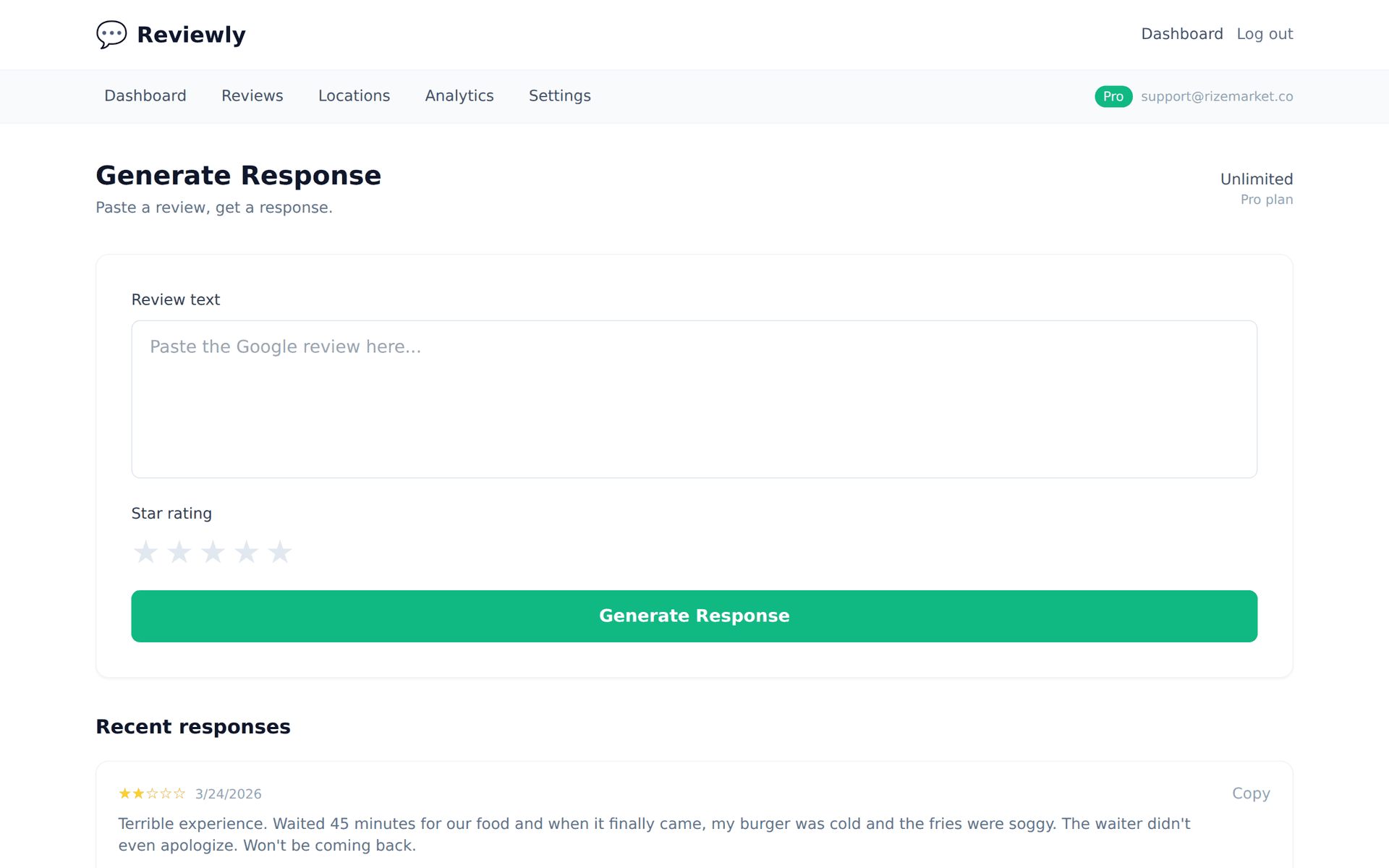
Paste any review, get a reply that sounds like a real business owner — not a corporate template.
“The weekly email summary my manager forwards has been really helpful — I can see patterns in customer feedback without logging into another dashboard.”
“Visibility without the login friction is exactly what the automated report is designed for. Glad it's landing the way it's supposed to. Let us know if you want to adjust what the report includes.”
“Our Monday morning team meeting now starts with the review summary from Typani. It's become a standard agenda item.”
“A Monday review summary as a standard agenda item — that's exactly the behavior change that drives improvement over time. Thank you for sharing that. It's great to hear it's become part of how the team operates.”
Why Automated Reports Change Team Behavior
Dashboards only work for people who log in. Auto-reports push the data to the people who need it — managers, owners, and stakeholders — without requiring any of them to form a new habit around checking another tool. The information arrives in their inbox where they already spend time, on the schedule that matches their rhythm.
Typani's auto-report is configurable by recipient, frequency, and content scope. A location manager gets a weekly summary of their single location. A regional director gets a weekly multi-location rollup. An executive gets a monthly trend report. Each recipient gets exactly the slice of data relevant to their role, automatically.
Start Responding Free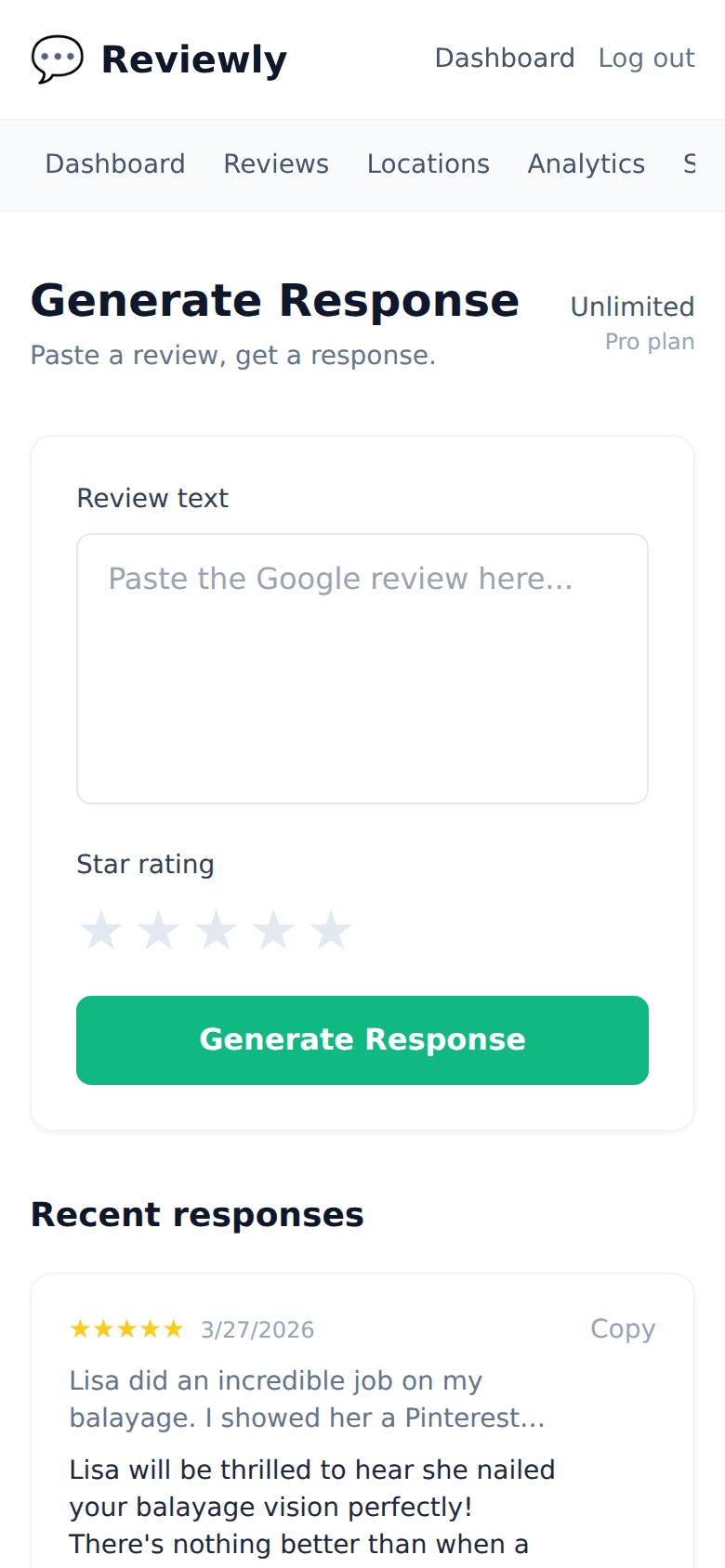
Frequently Asked Questions
Everything owners ask before they start using Typani.
How often can auto-reports be sent?
+
Daily, weekly, or monthly — configurable per recipient. Most businesses send weekly reports to location managers and monthly rollups to leadership. High-volume locations sometimes opt for daily summaries during critical periods.
Can different team members receive different reports?
+
Yes. Each auto-report is configured independently with its own recipient list, frequency, date range, and location scope. A manager overseeing two locations gets a different report than the owner seeing all six.
Can I include competitor data in the auto-report?
+
Yes — if competitor tracking is configured, competitor rating trends and volume comparisons can be included in the report alongside your own metrics.
Is there a PDF version of the report for sharing in meetings?
+
Yes. Auto-reports can be configured to send as a PDF attachment or as a formatted HTML email. PDF versions are useful for quarterly business reviews and stakeholder presentations.
Built for busy local business owners
Typani writes on-brand replies to every Google review in seconds, so you can answer them all without giving up your evening.
Generate your first response in seconds
Free to start. No credit card. Works on any Google review.
Try Typani FreeRelated
Explore Typani