Auto-Escalate High-Severity Reviews
A serious complaint sitting in a review queue because it was assigned to the wrong person — or no one — is a brand risk, not a process gap. Typani's auto-escalate automation routes high-severity reviews to the right manager or owner the moment they're detected, so nothing that requires immediate attention waits for someone to notice it.
How Auto-Escalation Protects Your Business
Escalation isn't just about speed — it's about the right person seeing the right review before the window to respond correctly closes:
- ✓Detects severity signals in review content — legal, safety, media, or repeat complaint patterns
- ✓Routes to designated escalation contacts by severity tier and location
- ✓Sends immediate alerts via email, SMS, or push notification
- ✓Includes full review context and a suggested response starting point
- ✓Tracks escalation status — open, in progress, resolved
- ✓Logs escalation history for audit and pattern analysis
Real Examples — See What Typani Generates
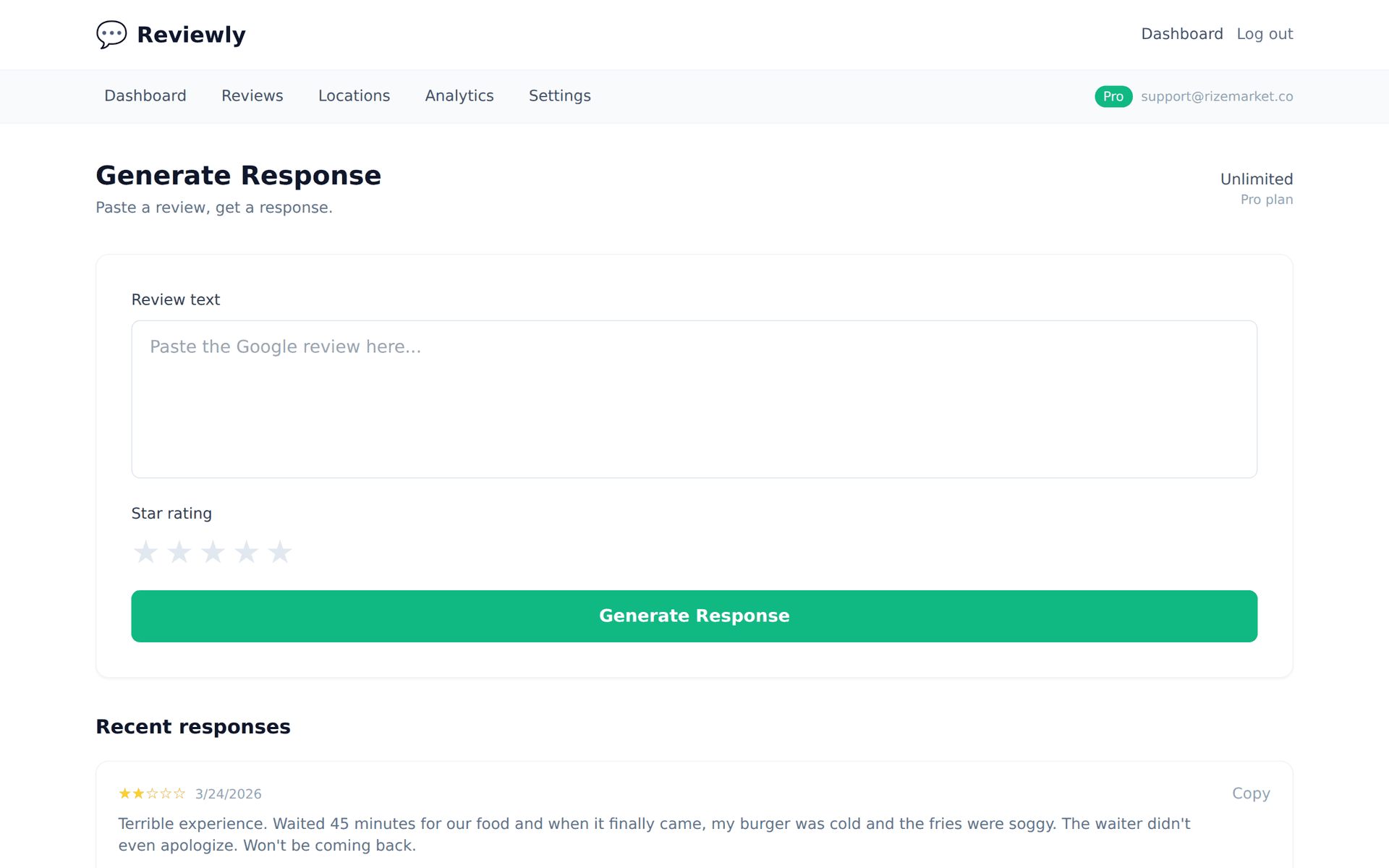
Paste any review, get a reply that sounds like a real business owner — not a corporate template.
“Third time I've complained about the same issue. Nothing changes. I'm done giving chances.”
“Three complaints about the same issue with no visible change — we completely understand why you're done. That's a failure in how we follow up, not just in the original problem. Our management team is being looped in directly on this. Please reach out at [email] and we will personally ensure this gets resolved.”
“I've shared my experience on multiple platforms and I'm documenting everything. This is not over.”
“We hear you, and we want to resolve this directly rather than publicly. Please contact our owner at [phone] today — this has been escalated to the highest level of our team. We take complaints of this nature seriously and we want to understand and address what happened.”
Why Escalation Speed Changes Outcomes
The difference between a resolved complaint and a public crisis is often 24 hours and the right person being aware. Auto-escalation compresses that timeline: the moment a severe review posts, the right person is notified with the context they need to respond. No queue, no delay, no discovery by accident on a Monday morning.
Typani's escalation system is configurable by severity tier. A first-time 1-star complaint routes to a location manager. A repeated complaint about the same issue escalates to a regional manager. A legal threat goes directly to ownership. Each tier has its own notification path, response guidance, and resolution tracking.
Start Responding Free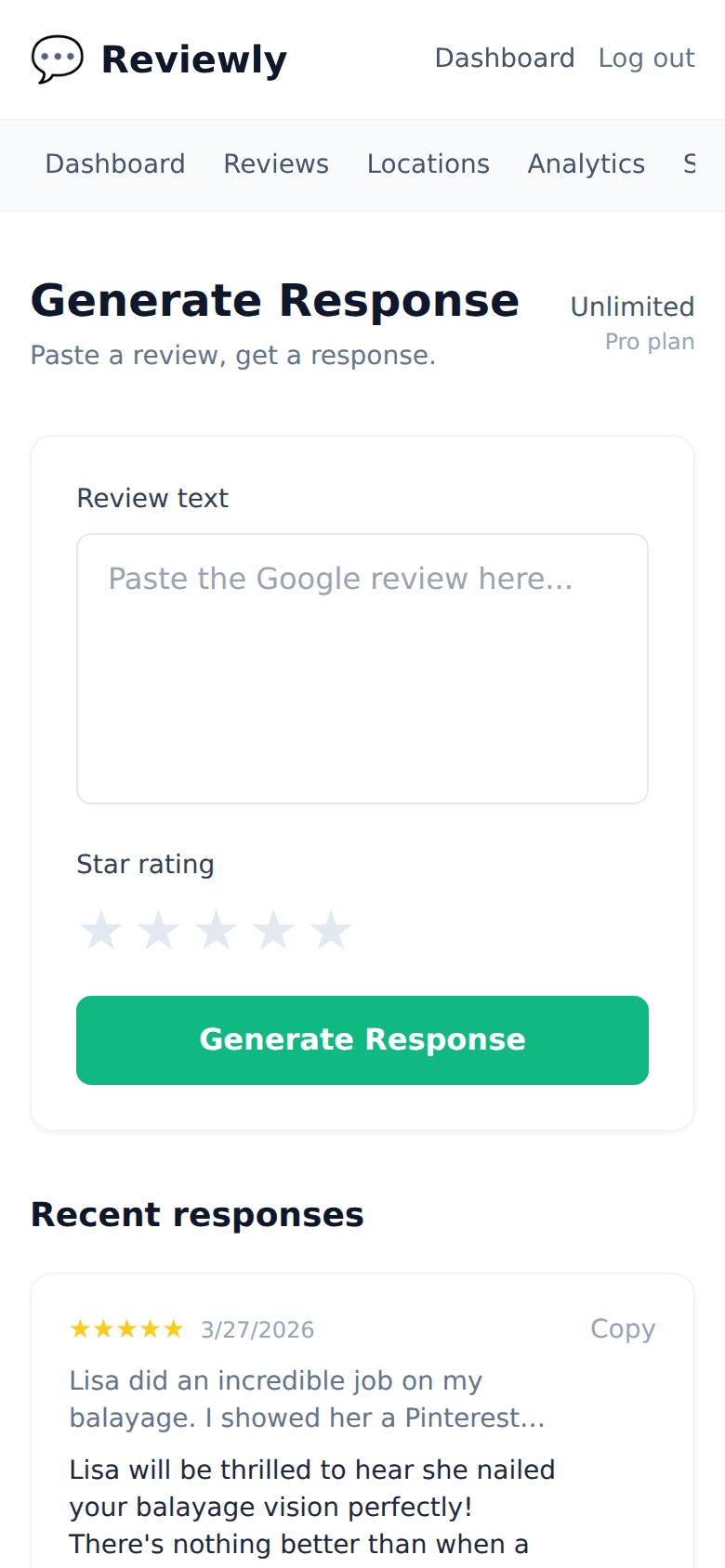
Frequently Asked Questions
Everything owners ask before they start using Typani.
How is auto-escalate different from auto-flag?
+
Auto-flag identifies and marks priority reviews. Auto-escalate takes action — routing flagged reviews to specific people with notifications and tracking. They work together: auto-flag detects, auto-escalate routes.
Can escalation go to multiple people simultaneously?
+
Yes. Critical reviews can trigger notifications to multiple recipients at once — owner, operations manager, and legal contact, for example — rather than a sequential chain that depends on each person passing it along.
Is there a way to track whether escalated reviews got resolved?
+
Yes. Typani tracks escalation status across all escalated reviews — open, in progress, and resolved — so nothing falls through the cracks and you have an audit trail of how each situation was handled.
Can I configure different escalation rules for different locations?
+
Yes. Each location can have its own escalation thresholds and routing. A corporate location might escalate anything under 3 stars directly to a VP. A franchise location might escalate to the regional manager. Both configurations run from the same central dashboard.
Built for busy local business owners
Typani writes on-brand replies to every Google review in seconds, so you can answer them all without giving up your evening.
Generate your first response in seconds
Free to start. No credit card. Works on any Google review.
Try Typani FreeRelated
Explore Typani