Google Review QR Code Generator
A review QR code on your counter, receipt, or table tent is what turns a satisfied customer who's standing right in front of you into a posted review — instead of someone who meant to do it later and never did. Typani generates a scannable review QR code for your Google Business Profile that you can download and print in under two minutes.
Where to Use Your Review QR Code
A QR code works anywhere a URL is awkward and a verbal request gets forgotten. High-converting placements:
- ✓Counter signage — visible during payment when the experience is freshest
- ✓Printed receipts — the last thing the customer holds before leaving
- ✓Table tents — ideal for restaurants, cafes, and waiting rooms
- ✓Packaging inserts — great for e-commerce and product-based businesses
- ✓Thank-you cards — personal touch that increases scan rate
- ✓Business cards — for service businesses where the work happens at the client's location
Real Examples — See What Typani Generates
Paste any review, get a reply that sounds like a real business owner — not a corporate template.
“Scanned the QR code on my way out. Took 20 seconds to leave a review. Every business should make it this easy.”
“20 seconds is exactly how long it should take — thank you for taking it. Your review helps the next customer find us and know what to expect. Appreciate you.”
“Saw the QR code on the table and left a review while waiting for the check. Super convenient. Great meal, great service.”
“Leaving a review between the meal and the check — that's the goal. Thank you for taking the moment. Glad the meal and service were worth the five stars.”
Why QR Codes Outperform Verbal Review Requests
A verbal ask at checkout has a conversion rate close to zero — the customer has to remember, find your business on Google, and navigate to the review form later, when the experience has already faded. A QR code captures the moment when the experience is freshest: right before they walk out the door.
Typani's QR code generator creates a high-resolution code ready for print. Download it as a PNG or SVG, drop it into your receipt template, print it on a sign, or hand it to your designer. The code links directly to your Google review form — no extra steps between scan and submit.
Start Responding Free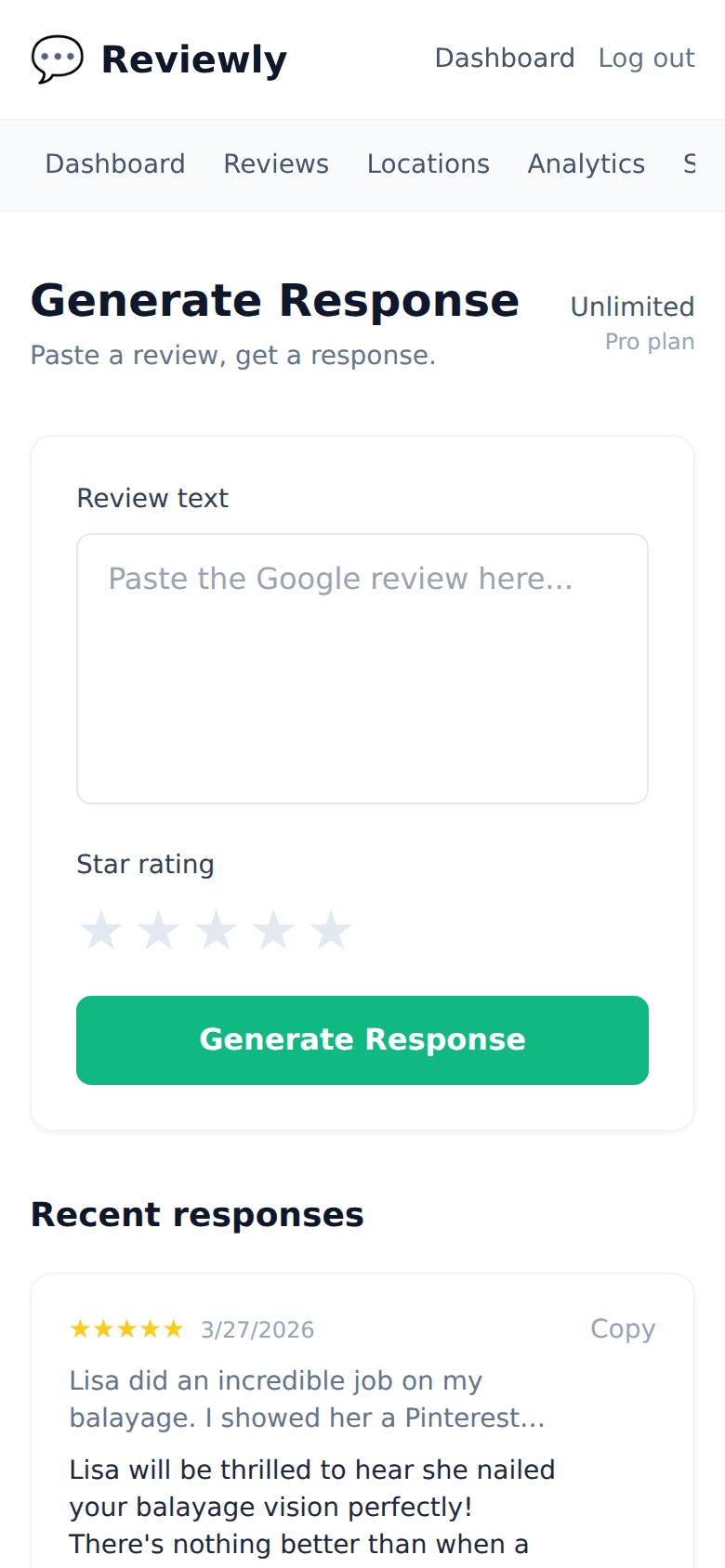
Frequently Asked Questions
Everything owners ask before they start using Typani.
What format does the QR code download in?
+
Typani generates your review QR code as a high-resolution PNG and SVG. PNG works for digital use and most print applications. SVG is vector-based and scales to any print size without loss of quality.
Does the QR code link directly to the Google review form?
+
Yes — scanning the code opens the Google review form for your business directly, whether on iOS or Android. No intermediate pages or search required.
Can I customize the QR code with my brand colors or logo?
+
Yes. Typani lets you add your logo to the center of the QR code and customize the foreground color to match your brand. The code remains scannable with up to 30% of the design customized.
How often do I need to regenerate the QR code?
+
Never, unless your Google Business Profile URL changes. Typani's QR code links to your stable Google review URL — once you print it, it works indefinitely.
Built for busy local business owners
Typani writes on-brand replies to every Google review in seconds, so you can answer them all without giving up your evening.
Generate your first response in seconds
Free to start. No credit card. Works on any Google review.
Try Typani FreeRelated
Explore Typani