Review Request SMS for Your Business
A review request SMS has a 98% open rate versus roughly 20% for email — and it gets read within minutes, not hours. Typani automates review request texts at the optimal moment after each customer interaction so you're capturing reviews when the experience is freshest, without anyone on your team having to remember to send them.
Why SMS Outperforms Email for Review Requests
Text messages live in a different attention context than email — they get seen. Here's what makes a review request SMS convert:
- ✓Near-instant open rate — most texts are read within 3 minutes of receipt
- ✓Short and frictionless — a single line and a direct link is all it takes
- ✓No inbox competition — texts don't get buried under newsletters
- ✓Mobile-native — the customer taps the link and the review form opens instantly
- ✓Personalizable with the customer's name and visit reference
- ✓Automated send at the right time window without any manual trigger
Real Examples — See What Typani Generates
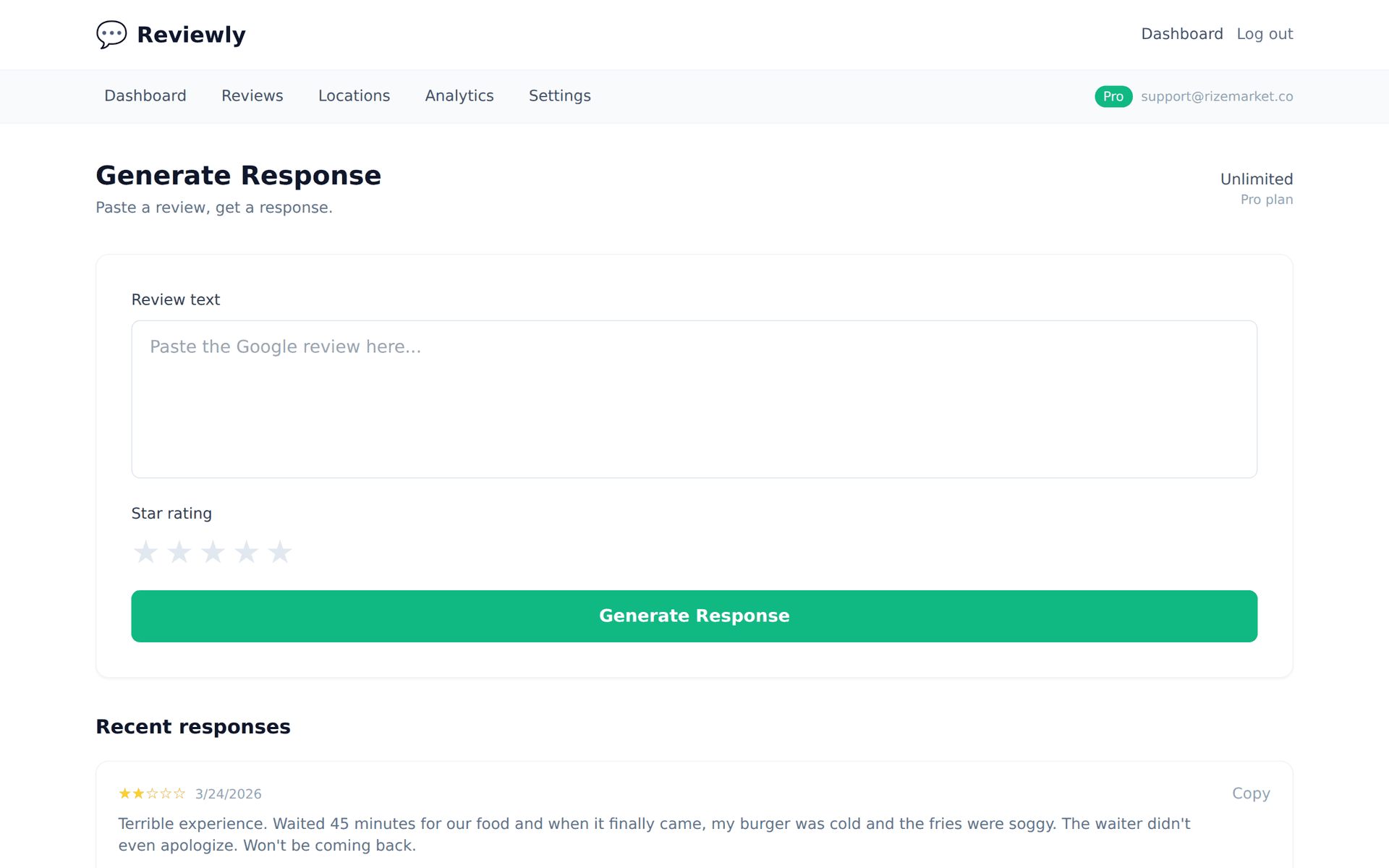
Paste any review, get a reply that sounds like a real business owner — not a corporate template.
“Got a text after my service asking for a review with a direct link. Clicked it and left the review while I was still in the parking lot. So easy.”
“Still in the parking lot — that's the best timing we could hope for. Thank you for taking 30 seconds to share your experience. It genuinely helps the next person find us.”
“Simple text, direct link, easy review. This is how every business should handle it. Five stars easily.”
“Five stars and a workflow endorsement — we'll take both. Thank you for the kind words and for making it easy to say them.”
How SMS Review Requests Change Your Review Volume
The math on SMS versus email review requests is straightforward: higher open rates plus faster opens plus mobile-native experience equals more reviews per customer contact. Businesses that add SMS review requests alongside email typically see their monthly review volume double within 60 days — not because customer satisfaction changed, but because the friction went to near zero.
Typani's review request SMS automation handles compliance, timing, opt-out management, and link generation automatically. You configure it once — which customers get a text, how long after the visit, and what the message says — and the system runs it from there without any manual involvement.
Start Responding Free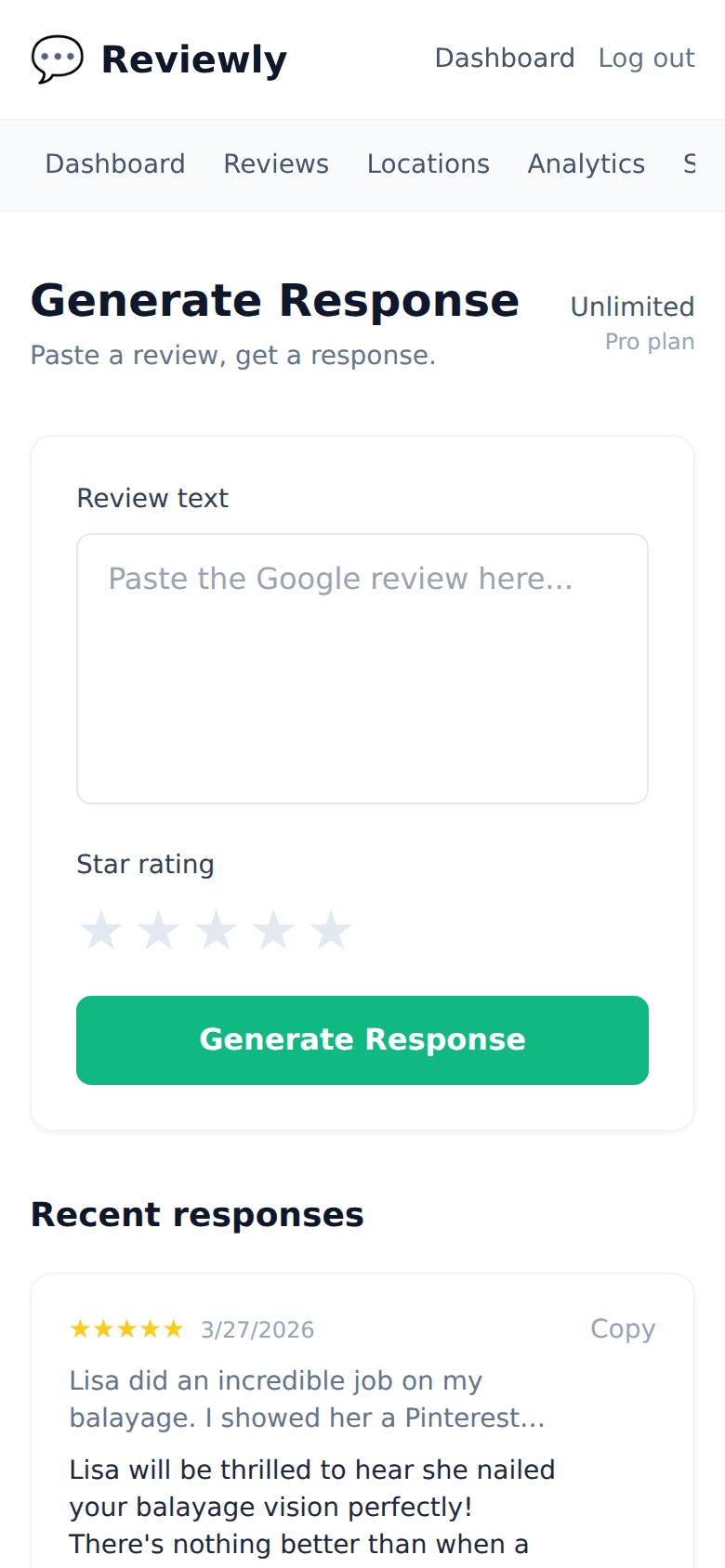
Frequently Asked Questions
Everything owners ask before they start using Typani.
Is it legal to send SMS review requests to customers?
+
Yes, with proper consent. Customers need to opt in to receive texts from your business — typically captured at the point of sale or through a booking form. Typani's SMS tool includes opt-in management and automatic opt-out handling to keep you compliant with TCPA regulations.
How long should an SMS review request be?
+
One to two sentences plus the link. 'Thanks for visiting [Business]. How was your experience? Leave us a quick Google review: [link]' is the format that converts best. Typani's templates follow this pattern.
When should I send the SMS review request?
+
For most service businesses: within 1-2 hours of the appointment. For restaurants: within 30-60 minutes of the visit. For product businesses: 1-2 days after delivery confirmation. The goal is to catch the customer while the memory is still vivid.
Can I send both email and SMS review requests to the same customer?
+
Yes — and many businesses do. Stagger them: send the SMS first (within an hour) and the email as a follow-up (next day). Don't send both at the same time. Typani's automation handles the sequencing so customers aren't contacted simultaneously on both channels.
Built for busy local business owners
Typani writes on-brand replies to every Google review in seconds, so you can answer them all without giving up your evening.
Generate your first response in seconds
Free to start. No credit card. Works on any Google review.
Try Typani FreeRelated
Explore Typani